🎄 Christmas Hours: Mon 22nd & Tue 23rd Dec: Open 9am–5:30pm | Wed 24 Dec: Open 9am–1pm | 25–26 Dec: Closed | Open Mon 29th & Tue 30th Dec 9am–5pm | Wed 31st Dec: Open 9am–12pm | Reopen as normal Jan 2nd 9am–5:30pm onwards. Merry Christmas!

OM System RS-31N Footswitch

35488J 35488J
35488J 35488J
35488J 35488J
35488J 35488J
Call for price
Compare

OM System RS-31N Footswitch

Product Code: 35488J
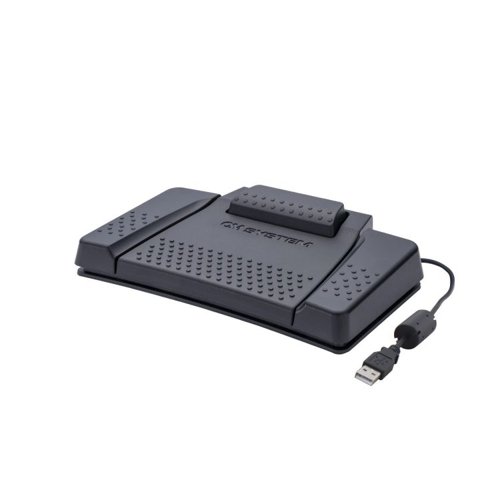
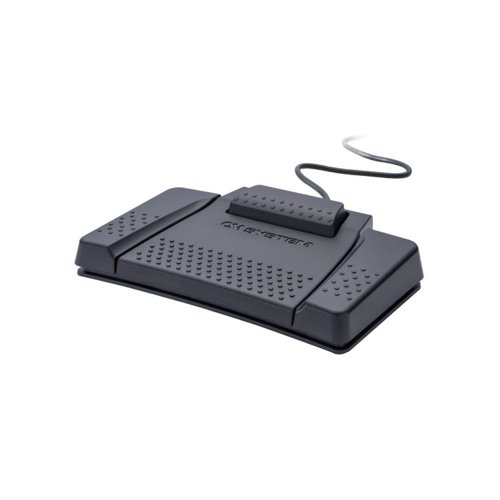
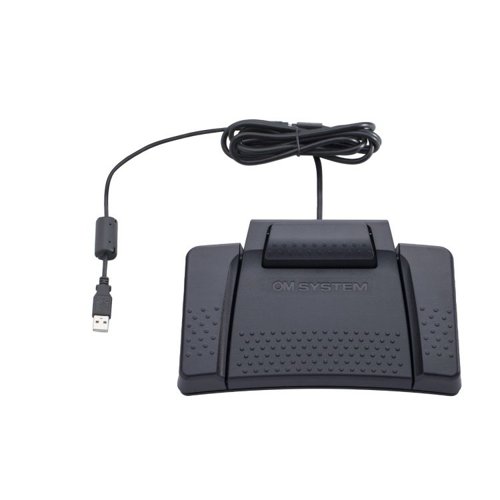
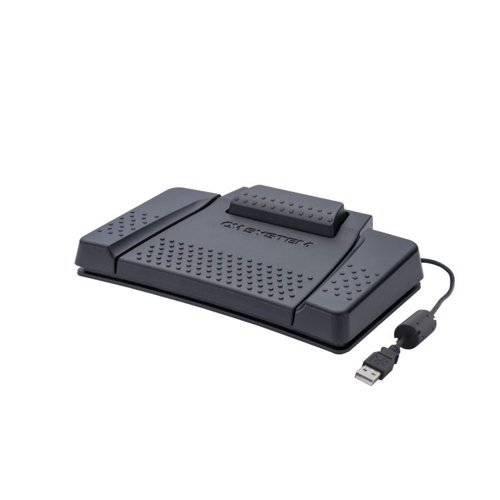
The High-End professional footswitch RS31N incorporates 4 buttons to easily control OM SYSTEM dictation management software (ODMS R8, ODIV1S Cloud) and compatible third-party software.

This can be any transcription player or other application software, which can be controlled via keyboard shortcuts (e.g. "Ctrl + Alt + P" or "Alt + 1") or multimedia keys (Scan Next Track, Stop, Play/Pause, etc.). Just assign the desired command to the pedals with the free Olympus Foot Switch Configuration Tool.

Once the pedals are configured according to your individual needs, you will have your hands free to transcribe an audio file or for other things. With the extra-wide centre pedal, it has perfect ergonomics for shoe sizes up to 46 and helps you to transcribe audio files even for operations over several hours.
Manufacturer Olympus

Description

The High-End professional footswitch RS31N incorporates 4 buttons to easily control OM SYSTEM dictation management software (ODMS R8, ODIV1S Cloud) and compatible third-party software.

This can be any transcription player or other application software, which can be controlled via keyboard shortcuts (e.g. "Ctrl + Alt + P" or "Alt + 1") or multimedia keys (Scan Next Track, Stop, Play/Pause, etc.). Just assign the desired command to the pedals with the free Olympus Foot Switch Configuration Tool.

Once the pedals are configured according to your individual needs, you will have your hands free to transcribe an audio file or for other things. With the extra-wide centre pedal, it has perfect ergonomics for shoe sizes up to 46 and helps you to transcribe audio files even for operations over several hours.
Lead Time

10

Weight

0.9

Brand

Olympus

Categories

Dictation Machines

Category

Dictation Accessories

Colour

Black

For Use With

OM SYSTEM Cloud and OMDS R8 On-Premise dictation management software

Form

Foot Control

Manufacturer

Olympus

Type

Dictation Accessories

Description

The High-End professional footswitch RS31N incorporates 4 buttons to easily control OM SYSTEM dictation management software (ODMS R8, ODIV1S Cloud) and compatible third-party software.

This can be any transcription player or other application software, which can be controlled via keyboard shortcuts (e.g. "Ctrl + Alt + P" or "Alt + 1") or multimedia keys (Scan Next Track, Stop, Play/Pause, etc.). Just assign the desired command to the pedals with the free Olympus Foot Switch Configuration Tool.

Once the pedals are configured according to your individual needs, you will have your hands free to transcribe an audio file or for other things. With the extra-wide centre pedal, it has perfect ergonomics for shoe sizes up to 46 and helps you to transcribe audio files even for operations over several hours.
Lead Time

10

Weight

0.9

Brand

Olympus

Categories

Dictation Machines

Category

Dictation Accessories

Colour

Black

For Use With

OM SYSTEM Cloud and OMDS R8 On-Premise dictation management software

Form

Foot Control

Manufacturer

Olympus

Type

Dictation Accessories

SEARCH ×

Search